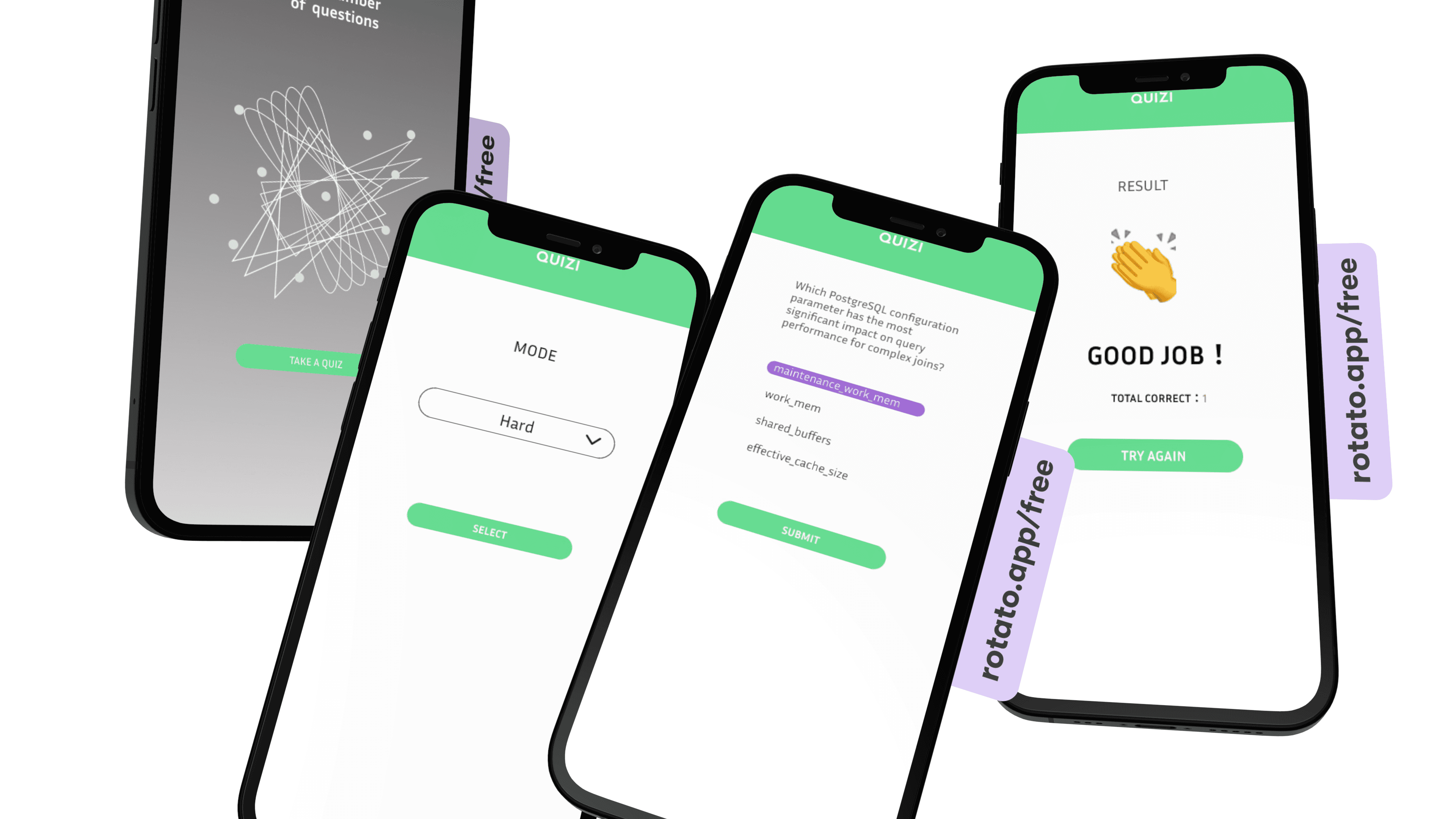
QUIZI
QUIZI
An end-to-end website design and development project for a dynamic quiz platform that delivers unlimited quiz questions, stores user responses, and provides feedback.
An end-to-end website design and development project for a dynamic quiz platform that delivers unlimited quiz questions, stores user responses, and provides feedback.
Project Type:End-to-end website design
Role: Product Designer+Web developer
Industry: Quiz website
Project Type:End-to-end website design
Role: Product Designer+Web developer
Industry: Quiz website
DESIGN KIT
DESIGN KIT
DESIGN KIT
ideate


design

DEPLOY
OUR PROCESS
ideate
ideate
design
design
DEPLOY
DEPLOY
OUR PROCESS
OUR PROCESS
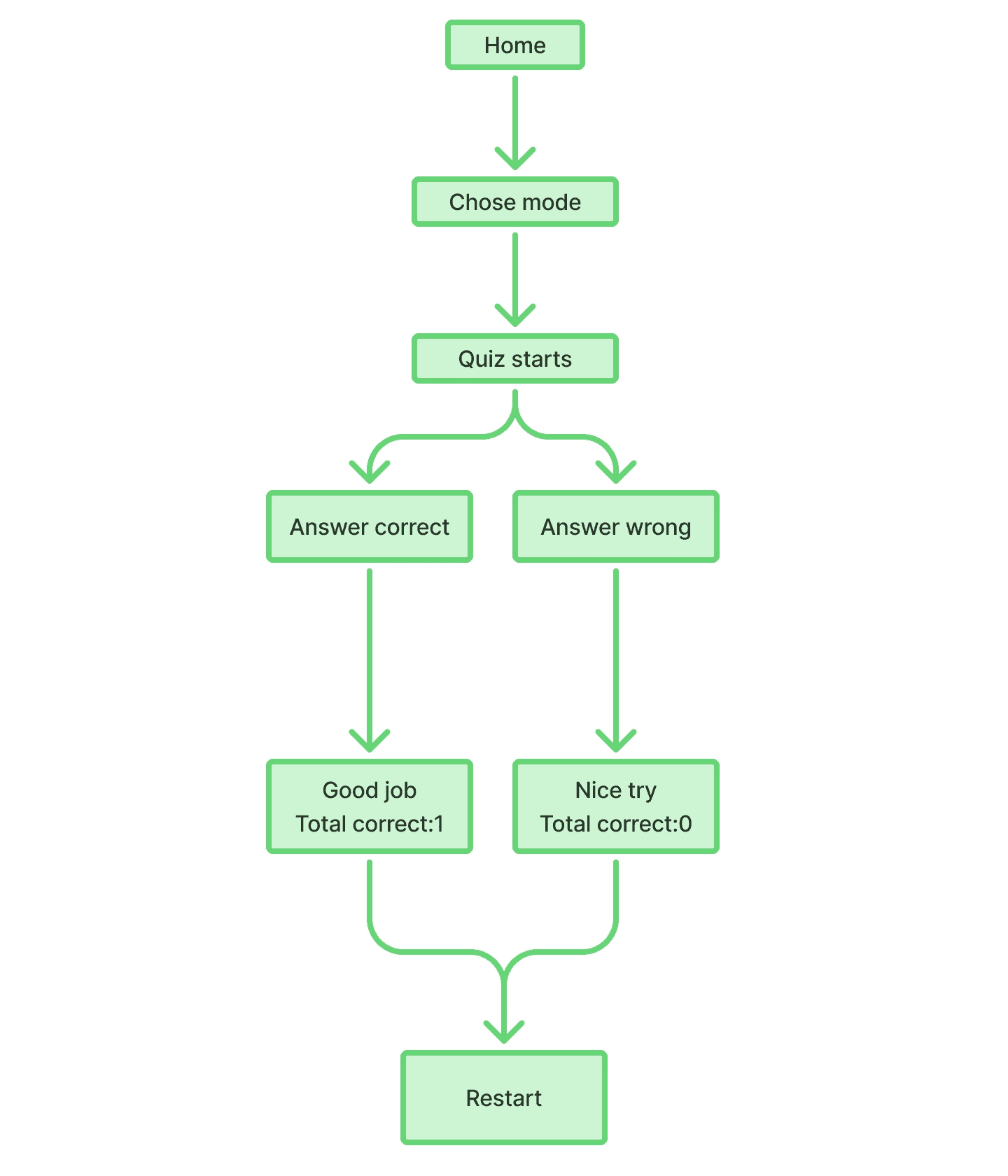
TASK FLOW
TASK FLOW
WIREFRAMES
WIREFRAMES
-Mobile
-Mobile
-Laptop
For more details, wireframes and prototype
Click for more
For more details, wireframes and prototype
Click for more
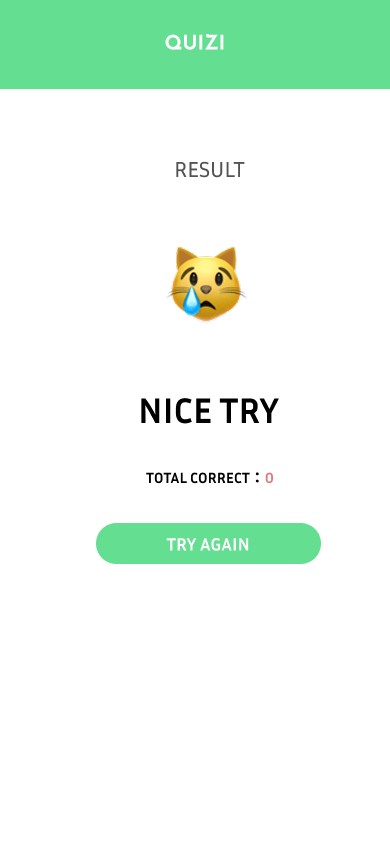
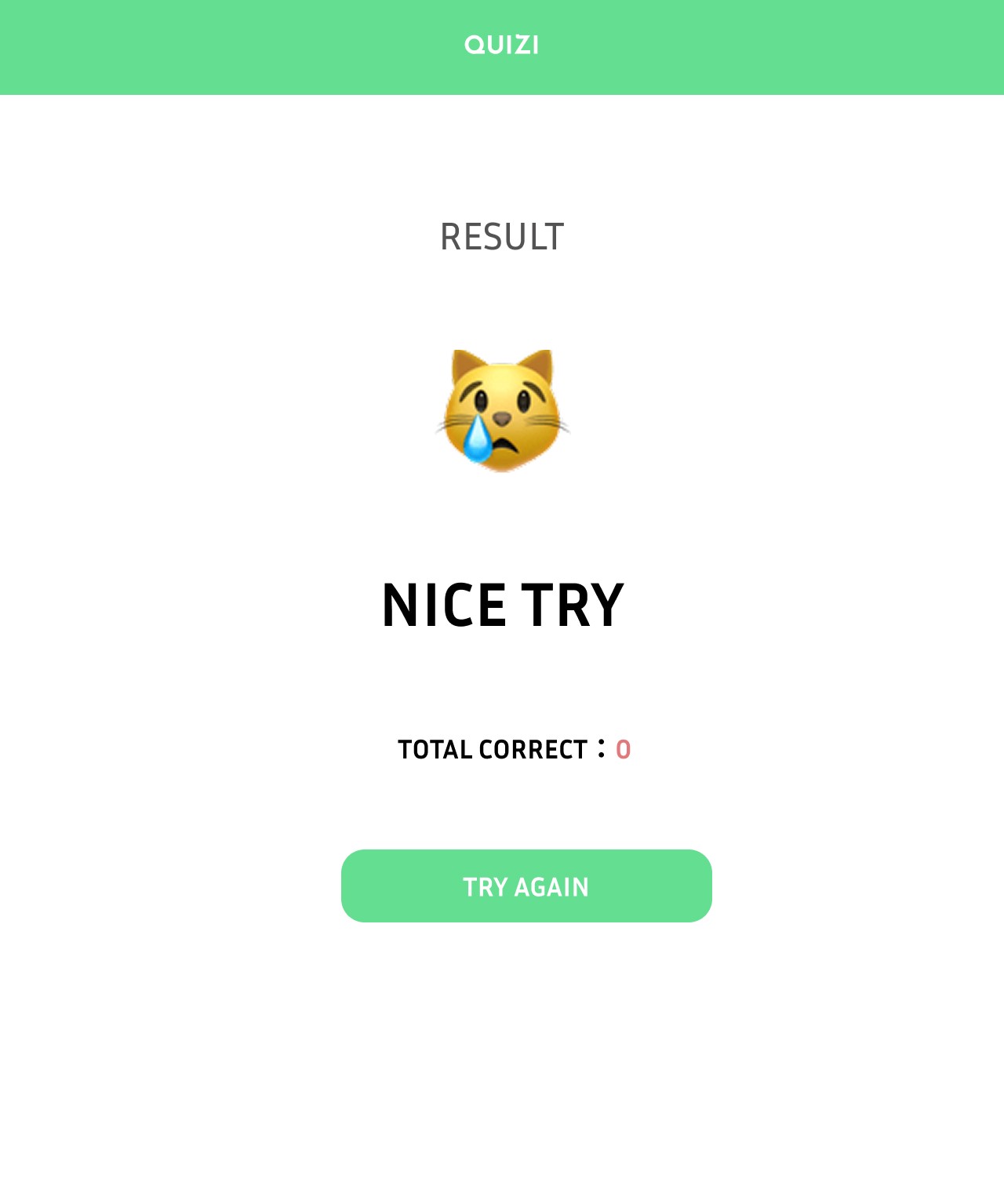
If the answer is incorrect, direct users to an encouragement page displaying their total number of correct answers, along with an option to retry the game.
Result Page — Wrong
If the answer is incorrect, direct users to an encouragement page displaying their total number of correct answers, along with an option to retry the game.
Result Page — Wrong
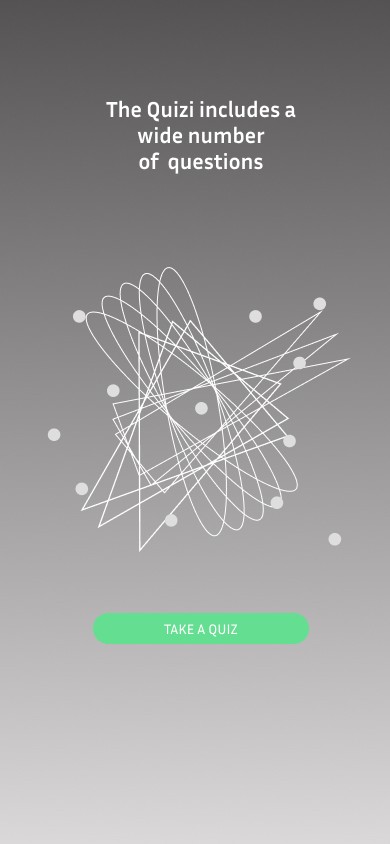
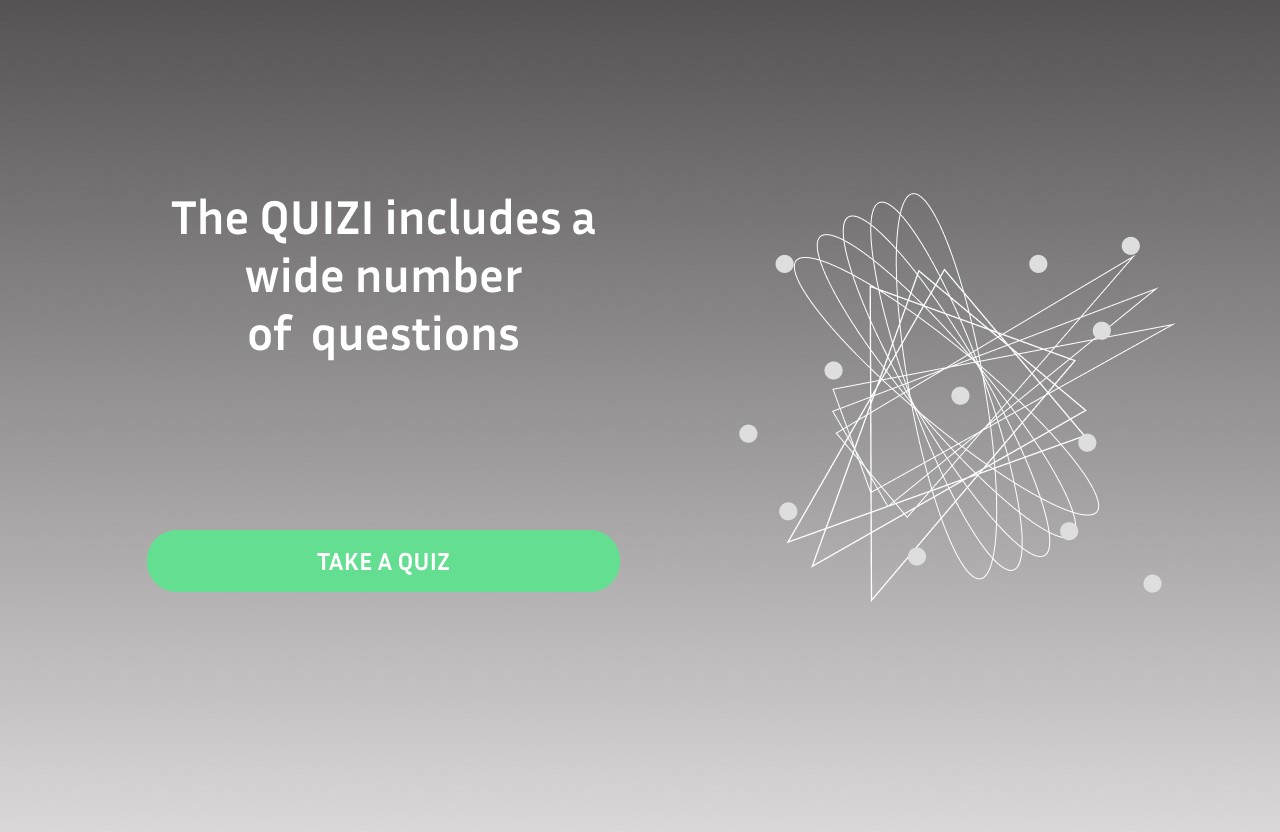
Provide users with a brief introduction to the QUIZI website. Once they are ready to take the quiz and click the start button, they are directed to the mode selection page.
Home Page & Landing Page
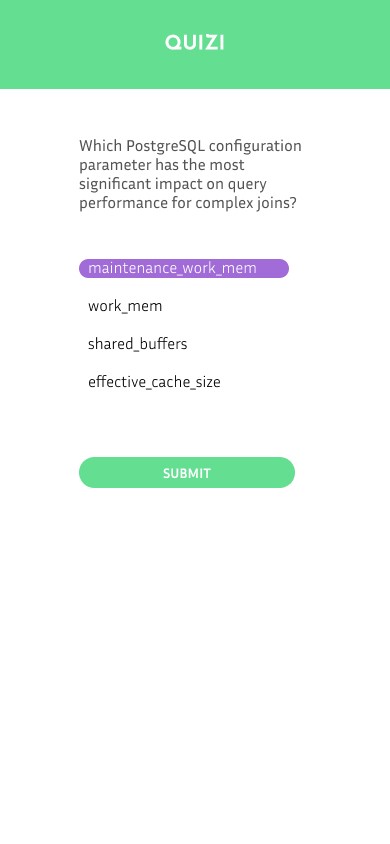
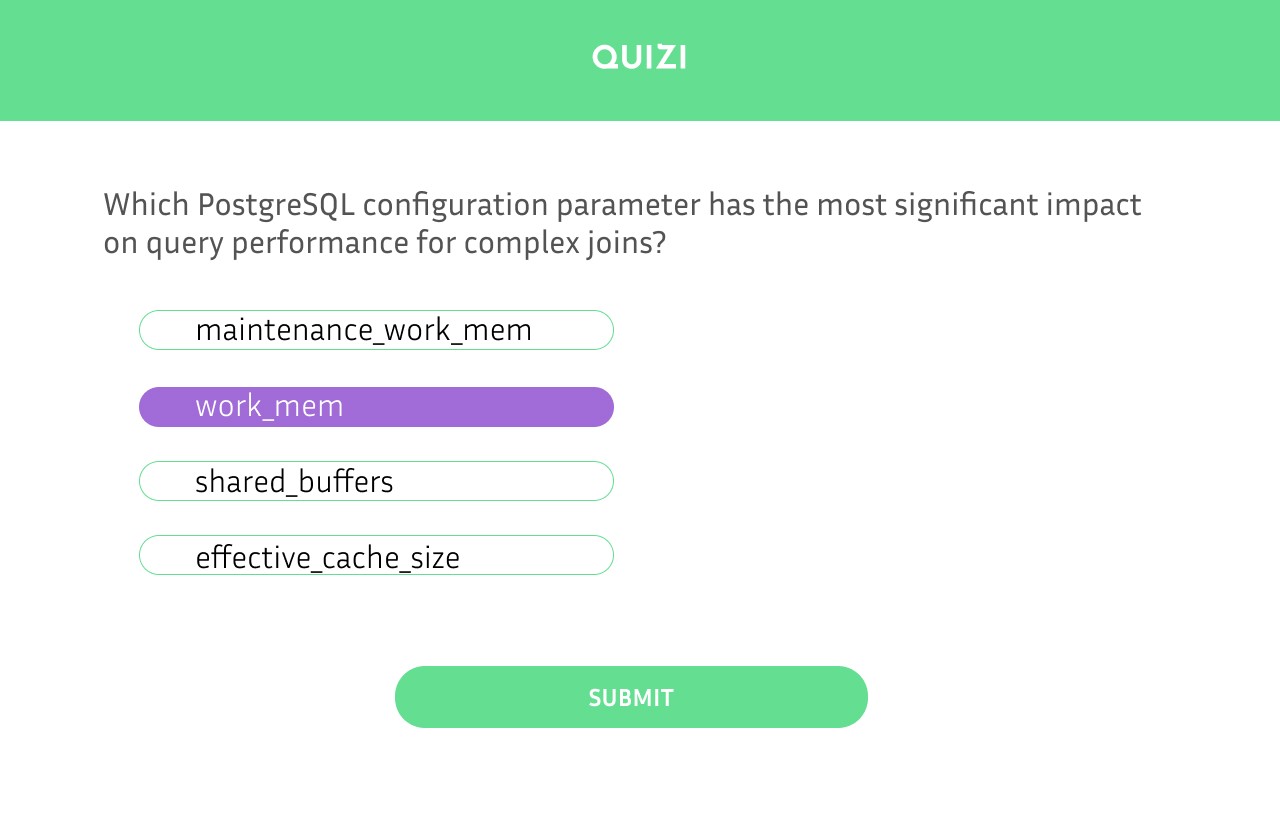
Present users with a random quiz question. When they select an answer, the chosen option is highlighted. Upon submitting their response, the result is immediately displayed.
Present users with a random quiz question. When they select an answer, the chosen option is highlighted. Upon submitting their response, the result is immediately displayed.
Quiz Page
Provide users with a brief introduction to the QUIZI website. Once they are ready to take the quiz and click the start button, they are directed to the mode selection page.
Home Page & Landing Page
-Laptop
Home Page & Landing Page
Provide users with a brief introduction to the QUIZI website. Once they are ready to take the quiz and click the start button, they are directed to the mode selection page.
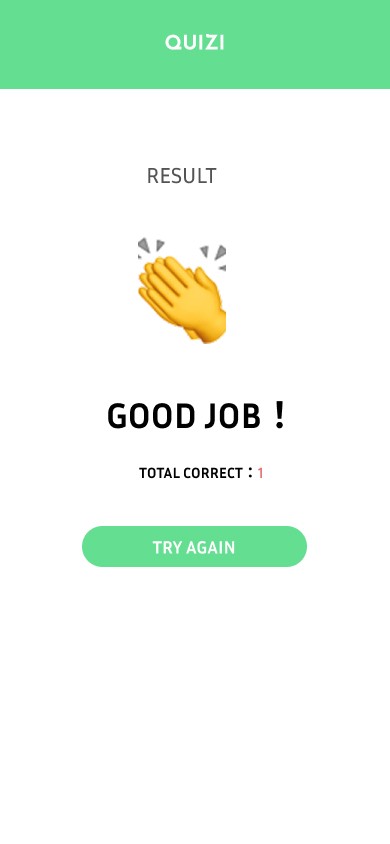
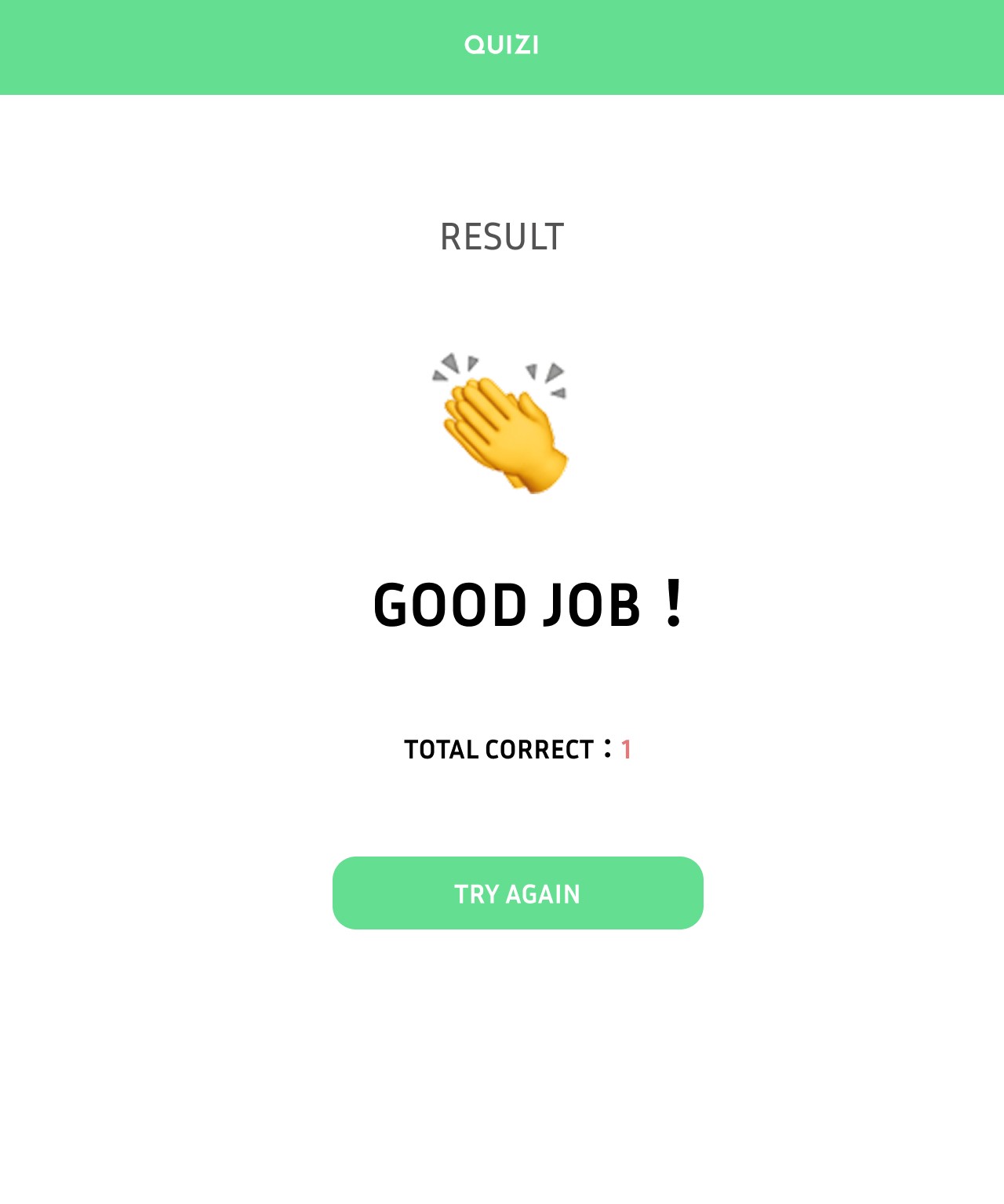
If the answer is correct, direct users to a congratulatory page displaying their total number of correct answers, along with an option to replay the game.
If the answer is correct, direct users to a congratulatory page displaying their total number of correct answers, along with an option to replay the game.
Result Page — Correct
If the answer is correct, direct users to a congratulatory page displaying their total number of correct answers, along with an option to replay the game.
Result Page — Correct
Result Page — Correct
If the answer is correct, direct users to a congratulatory page displaying their total number of correct answers, along with an option to replay the game.
Present users with a random quiz question. When they select an answer, the chosen option is highlighted. Upon submitting their response, the result is immediately displayed.
Quiz Page
Result Page — Wrong
If the answer is incorrect, direct users to an encouragement page displaying their total number of correct answers, along with an option to retry the game.
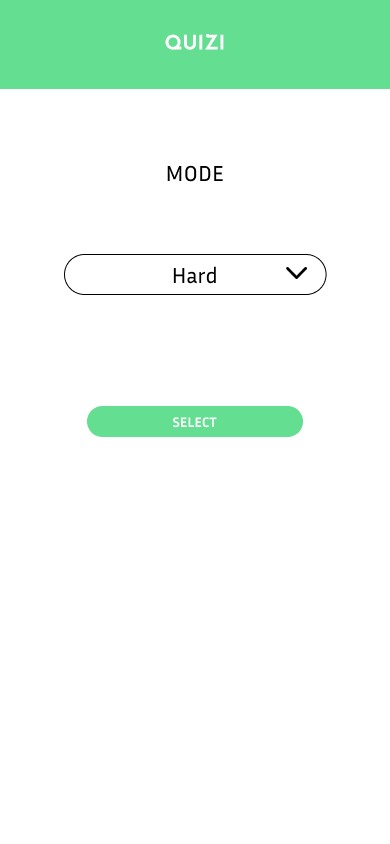
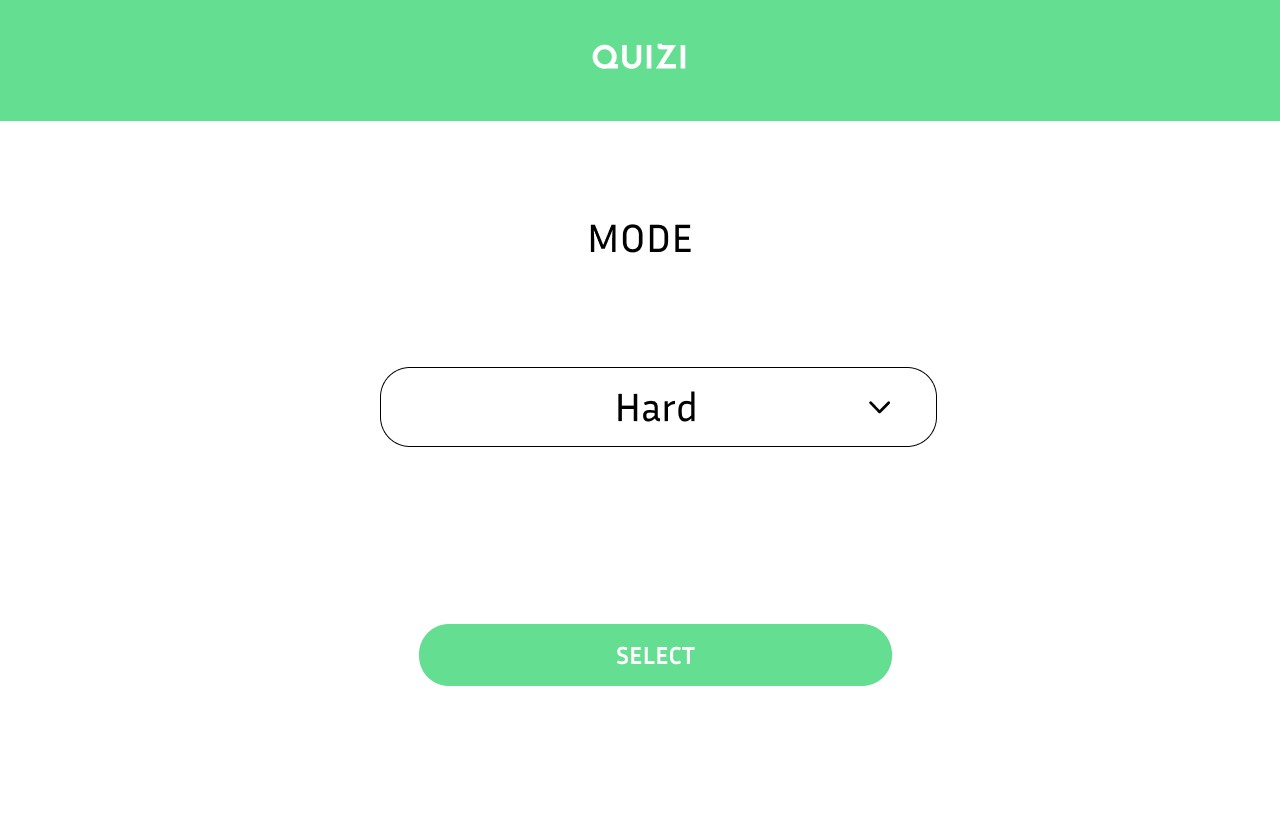
Mode Selector
Allow users to choose from various difficulty levels for the quiz. After confirming their selection, they are taken to a random quiz question.
Allow users to choose from various difficulty levels for the quiz. After confirming their selection, they are taken to a random quiz question.
Mode Selector
Mode Selector
Mode Selector